



Description
Download Vpn One Click – VPN, Android, one-click connection, secure browsing, global servers, privacy tool
Overview
Vpn One Click is a desktop-style application designed for Android devices, offering a streamlined approach to secure internet access through a virtual private network. The primary purpose of the software is to enable users to connect to global servers with minimal effort, enhancing online privacy and bypassing regional content restrictions. It targets individuals seeking a straightforward solution for anonymous browsing, especially those new to VPN technology. The app allows users to connect to servers located in over twenty countries, providing options for selecting a specific region or choosing a random server for automatic connection. This functionality supports use cases such as accessing geo-blocked streaming services, protecting sensitive data on public Wi-Fi, and maintaining anonymity during online activities. The developer, Vpn One Click, appears to focus on simplicity and accessibility, as the interface emphasizes one-tap connectivity and pre-configured credentials. While the app is available for free download, it operates under a freemium model, requiring in-app purchases after a trial period. The developer did not provide additional details about the company’s background or long-term development plans. Real-world usage scenarios include travelers needing secure access abroad, users in regions with internet restrictions, and privacy-conscious individuals looking to shield their digital footprint.
Key Features & Capabilities
- One-Tap Connection: Users can initiate a secure connection with a single tap, eliminating the need for complex configurations. This feature is ideal for beginners or those who prioritize speed and simplicity.
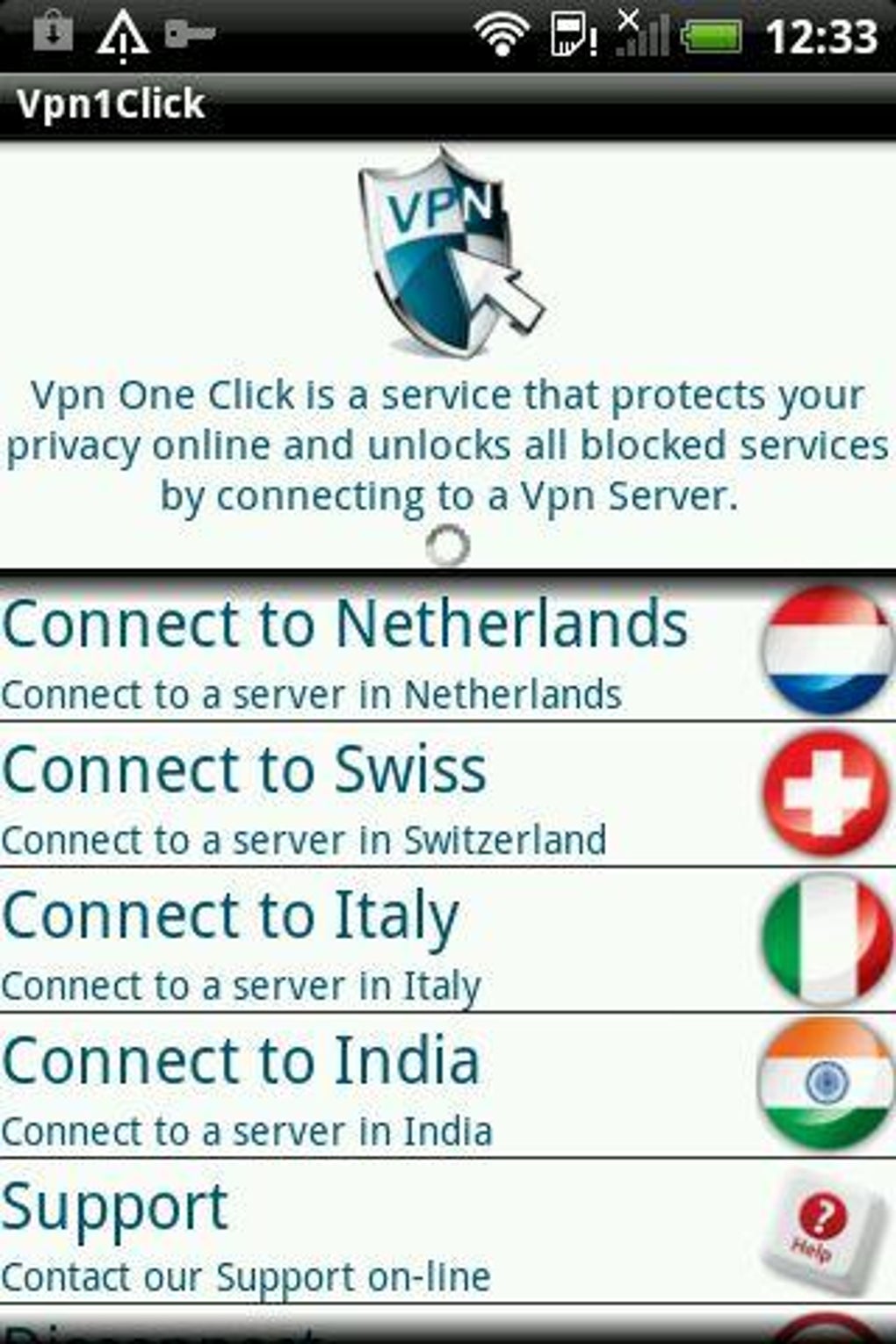
- Global Server Network: Access to over twenty servers spread across multiple countries enables users to route traffic through different regions, helping to bypass geographic content blocks.
- Random Server Selection: An automated option allows the app to choose a server at random, which can be useful for quick, anonymous browsing without manual selection.
- Pre-Entered Credentials: Upon signing up for the free trial, the user’s password is stored within the app, eliminating the need to re-enter it during each connection.
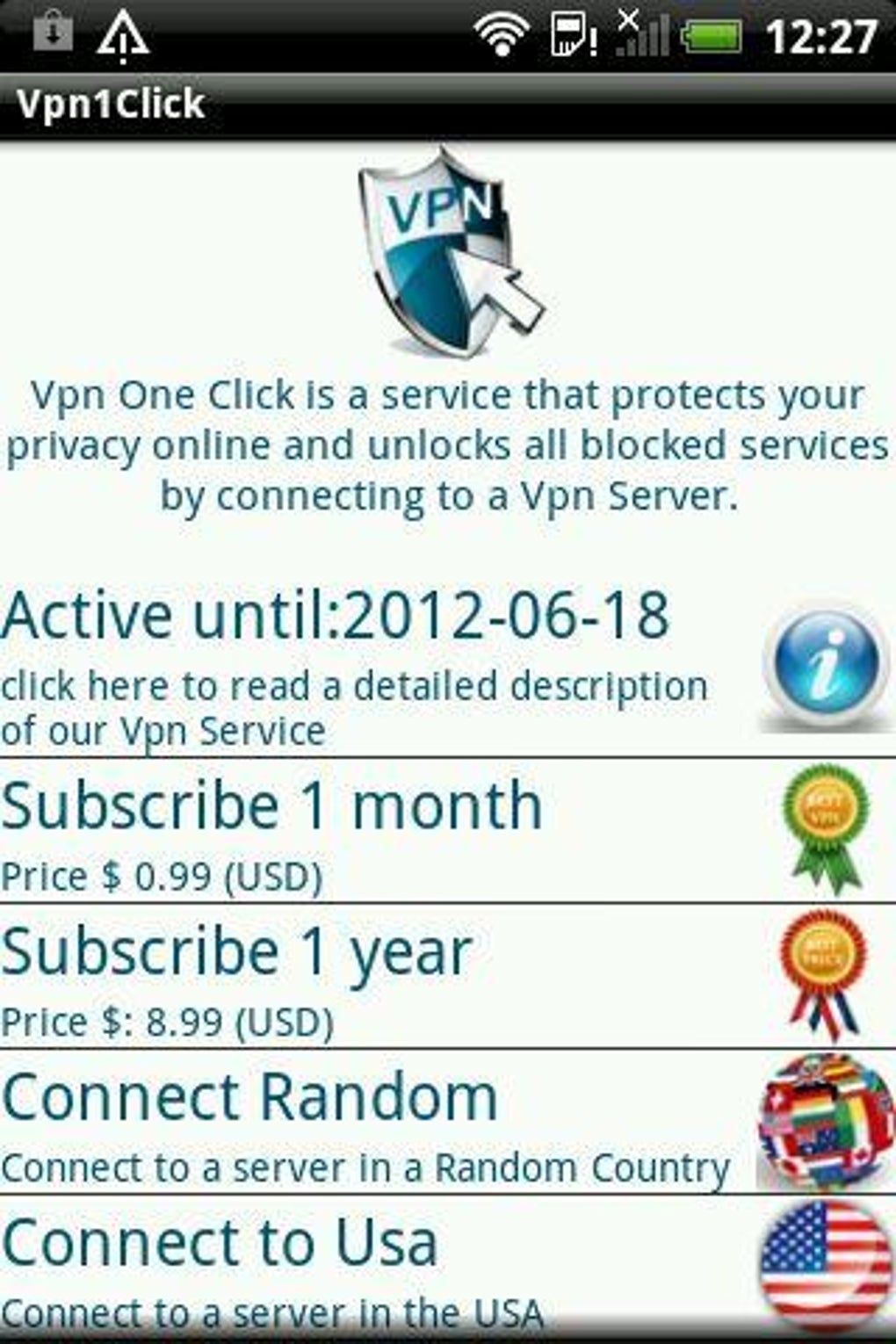
- Freemium Access Model: The app is free to download and use for a limited time, after which users must purchase access to continue using the service.
These capabilities support practical scenarios such as accessing blocked websites during travel, securing data on untrusted networks, or maintaining privacy during online shopping. The app’s design focuses on reducing friction in the connection process, making it suitable for users who value efficiency over advanced customization. However, the developer did not specify whether advanced features like kill switches, DNS leak protection, or multi-hop routing are included.
User Interface, Workflow & Performance
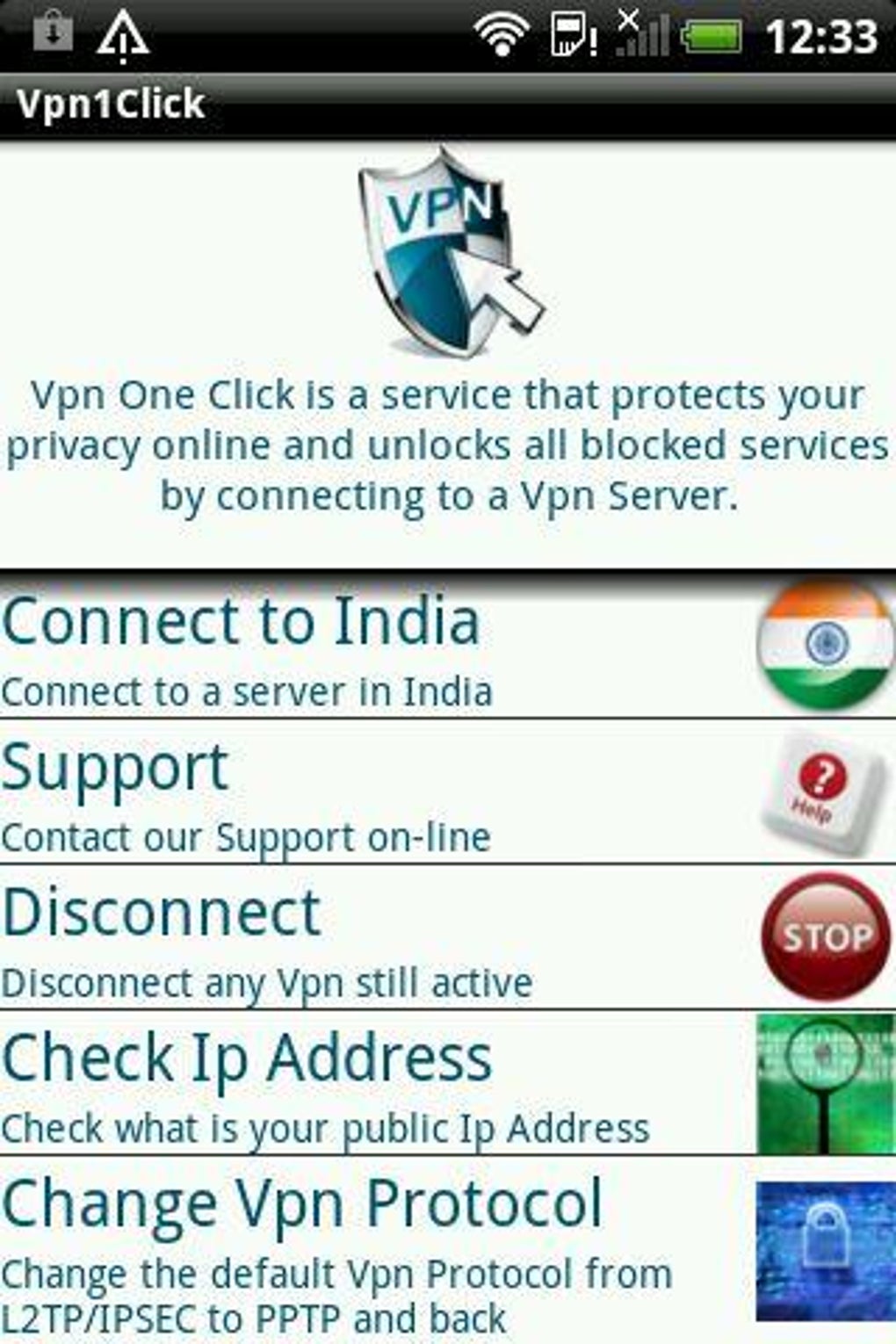
The user interface of Vpn One Click is minimalistic and designed for ease of navigation. The main screen displays two primary options: “Connect to a server in a certain country” and “Connect to a random server,” both accessible via large, clearly labeled buttons. This layout ensures intuitive interaction, particularly for users unfamiliar with VPN technology. Navigation is linear and efficient, with no unnecessary steps between launching the app and establishing a connection. The workflow is optimized for speed, aligning with the app’s one-click philosophy. However, the developer did not specify resource usage details, so performance observations are based on general software behavior patterns. No information was provided about CPU or RAM consumption, stability during prolonged use, or connectivity reliability. Some users may experience intermittent connectivity issues when attempting to connect to certain servers, though the app does not indicate the cause or offer troubleshooting tools. The app appears to function reliably during initial connection attempts, but long-term performance under varying network conditions remains unverified. No data was provided regarding background operation, battery impact, or automatic reconnection features.
Compatibility & System Requirements
Vpn One Click is designed exclusively for Android devices. The app is compatible with Android operating systems, though the specific minimum version was not listed. The installation size is 15.3 MB, which is relatively lightweight for a network-related application. The developer did not specify exact system requirements, including processor architecture, RAM, or storage space beyond the total file size. Compatibility information was partially provided, leaving users without clarity on supported Android versions or hardware specifications. No details were given about whether the app supports tablets, wearables, or other Android-based devices. The lack of detailed compatibility data may limit user confidence, especially for those with older or non-standard Android devices. Users should verify device compatibility before installation, as no official compatibility checker or system validation tool is mentioned. The app does not appear to be available for other platforms, such as iOS, Windows, or macOS.
Pros and Cons
Pros
- Simple, intuitive interface ideal for beginners
- One-tap connection reduces setup time and complexity
- Access to over twenty global servers for regional bypassing
- Pre-configured login credentials streamline repeated use
- Free to download and test with in-app purchase model
Cons
- Free trial period limits full access
- In-app purchases required after trial ends
- Price point is considered high compared to competitors
- Connectivity issues reported with certain servers
- Limited transparency on system requirements and performance
FAQ Section
Is Vpn One Click available for iOS devices?
The app is designed for Android only and is not available for iOS or other platforms.
Can I use Vpn One Click without paying?
Yes, the app can be downloaded and used for free during a trial period. However, continued access requires in-app purchases after the trial ends.
Does the app work offline?
Once connected, the app maintains a secure connection while online. However, it cannot function without an active internet connection.
Is Vpn One Click secure?
The app provides encrypted connections through its server network. However, no independent security audits or third-party verification were provided.
How often are the servers updated?
The developer did not specify the frequency of server maintenance or updates.
Final Thoughts
Vpn One Click delivers a straightforward, no-frills experience for Android users seeking quick access to global networks. Its emphasis on simplicity and one-tap connectivity makes it an appealing option for beginners or those who prioritize ease of use over advanced features. While the app offers access to a broad server network and functions reliably during initial connections, its freemium model and higher-than-average pricing may deter long-term users. Connectivity inconsistencies with certain servers and the lack of detailed system information further limit its appeal for power users. Nevertheless, for individuals looking for a basic, easy-to-use privacy tool on Android, Vpn One Click remains a viable choice. The app performs as advertised, with minimal setup and clear functionality. Download Vpn One Click now to experience secure browsing with a single tap.
Guides & Tutorials for Vpn One Click APK
How to install Vpn One Click APK
- Click the Preview / Download button above.
- Once redirected, accept the terms and click Install.
- Wait for the Vpn One Click APK download to finish on your device.
How to use Vpn One Click APK
This software is primarily used for its core features described above. Open the app after installation to explore its capabilities.
User Reviews for Vpn One Click APK 0
No reviews found





